A decade ago, "Office" meant a handful of desktop apps and an email server humming away in a back room. Today, Microsoft 365 is something far bigger: a connected digital workplace that unifies communication, collaboration, content, security, identity and automation into a single, cloud-delivered platform. For the organizations that adopt it deliberately, it has become the operating system of how work actually gets done.
But here's the catch — most companies use only a fraction of what they already pay for. Understanding the full picture is the first step to unlocking real value.
From a suite of apps to a unified platform
The biggest shift with Microsoft 365 is that the individual apps are no longer islands. They're deeply integrated, sharing identity, content and data so the whole becomes far greater than the sum of its parts.
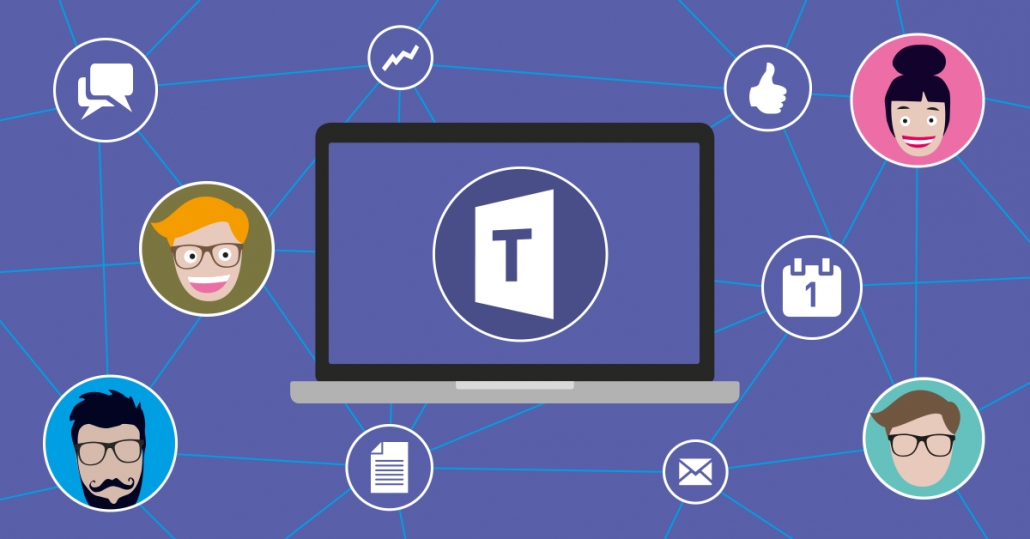
- Microsoft Teams — the hub for chat, meetings, calls and teamwork, now the front door to the entire workplace.
- SharePoint & OneDrive — intelligent content management, intranets and secure file storage with versioning and co-authoring.
- Exchange Online — enterprise email with advanced threat protection built in.
- Power Platform — Power Apps, Power Automate, Power BI and Copilot Studio for low-code apps, automation and analytics.
- Microsoft Copilot — generative AI woven directly into Word, Excel, Outlook, Teams and more.
- Entra ID & Purview — identity, access management, compliance and data governance across everything.
Why it matters: the modern workplace is hybrid
Hybrid and remote work are no longer the exception — they're the norm. Employees expect to work securely from anywhere, on any device, with the same experience they'd have at a desk. Microsoft 365 was built for exactly this reality: cloud-first, mobile-ready and secured by a zero-trust identity model rather than the walls of an office network.
Technology doesn't transform a business — adoption does. The organizations that win with Microsoft 365 treat it as a change program, not an IT project.
Copilot: AI as a teammate, not a tool
The arrival of Microsoft Copilot has changed the conversation entirely. Instead of switching to a separate AI tool, your people get an assistant inside the apps they already use — drafting documents, summarizing long email threads, building Excel formulas, catching up on missed meetings and turning raw data into clear insights.

The productivity upside is real, but it depends on a healthy foundation: well-organized content, sensible permissions and good data governance. Copilot is only as good as the information it can see — which is why getting your SharePoint and security model right is now a prerequisite for AI success.
Security and compliance, built in
As the workplace moves to the cloud, security can't be an afterthought. Microsoft 365 brings enterprise-grade protection into reach for organizations of every size:
- Multi-factor authentication and conditional access to stop credential-based attacks.
- Data loss prevention and sensitivity labels to keep confidential information safe.
- Advanced threat protection against phishing, malware and ransomware.
- Compliance, retention and eDiscovery via Microsoft Purview.

Where most organizations leave value on the table
In our experience, the gap is rarely the technology — it's adoption and configuration. Common missed opportunities include automating manual processes with Power Automate, replacing fragile spreadsheets with Power Apps, building a real intranet on SharePoint instead of scattering files, and rolling out Teams governance so collaboration doesn't turn into chaos.
Getting adoption right
A successful Microsoft 365 program follows a clear path: assess what you have, design the right architecture and governance, migrate cleanly, secure the environment, and — most importantly — invest in training and change management so people actually change how they work. Skip the last step, and even the best deployment underdelivers.
- Start with a readiness and licensing assessment so you're not paying for capabilities you never use.
- Define governance early — naming, permissions, external sharing and lifecycle policies.
- Migrate email, files and SharePoint with zero data loss and minimal downtime.
- Layer in security baselines and a zero-trust identity model.
- Drive adoption with champions, training and clear internal communication.

The bottom line
Microsoft 365 is one of the highest-leverage investments a modern business can make — but only when it's deployed, secured and adopted with intent. Used to its full potential, it doesn't just cut costs; it makes your people faster, your data safer and your organization ready for an AI-powered future.
At Trait Softwares — a Microsoft Solutions Partner — we help businesses deploy, secure and adopt Microsoft 365 end to end, from migration and governance to Copilot readiness and user training. The result is an investment that turns into real, measurable outcomes.