Make Teams the secure hub for daily work.
Microsoft Teams is most effective when collaboration, files, meetings, apps, automation, and governance are designed together. We help organizations implement Teams as a practical, secure, and scalable work hub across Microsoft 365.
- Teams architecture, channel strategy, and SharePoint-backed file design
- Governance, security, guest access, retention, and lifecycle controls
- Teams apps, automations, meetings, voice readiness, and adoption support
Teams capabilities we deliver
Structured Collaboration
Teams, channels, SharePoint sites, files, and permissions designed around how your departments and projects work.
Governance & Lifecycle
Naming, provisioning, sensitivity, retention, archival, external sharing, and workspace cleanup controls.
Meetings & Voice
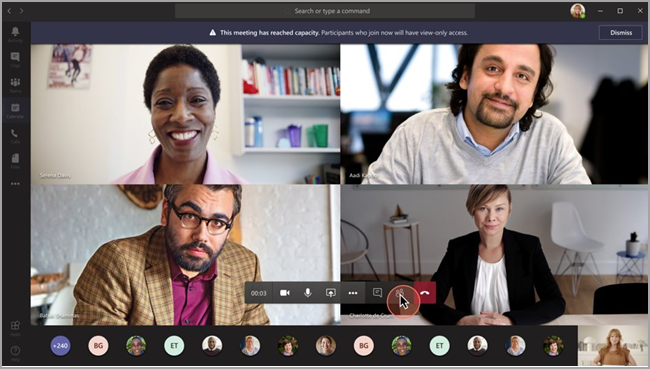
Meeting policy, Teams Phone readiness, rooms, calling, recording, retention, and hybrid collaboration setup.
Apps & Extensions
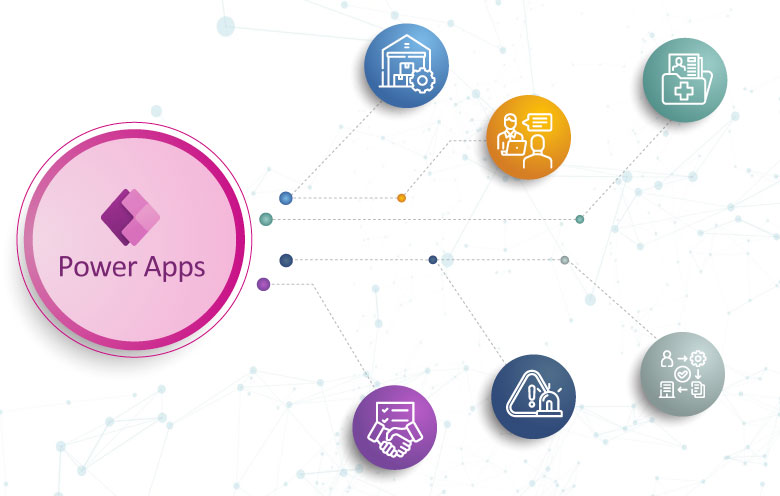
Power Apps, tabs, connectors, bots, and line-of-business tools embedded directly into Teams.
Microsoft Teams Service Areas
Focused services for collaboration, security, meetings, apps, workflow automation, and adoption.
Teams Architecture
Design team and channel structure, information architecture, permissions, ownership, and templates for repeatable collaboration.
Security & Governance
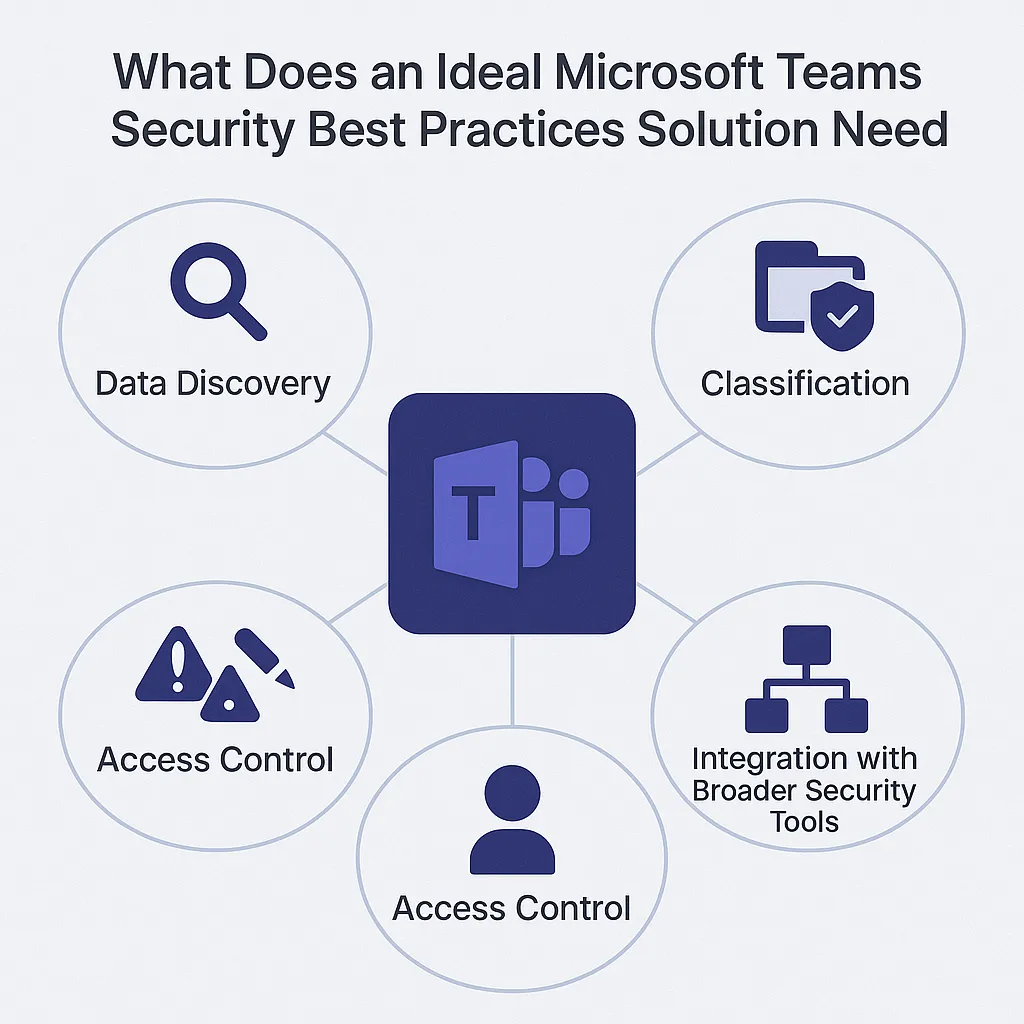
Configure guest access, sensitivity labels, retention, eDiscovery readiness, DLP alignment, and audit-friendly controls.
Meetings, Rooms & Voice
Set up meeting policies, Teams Phone planning, calling, devices, room standards, and frontline communication patterns.
Teams Apps & Bots
Build useful tabs, message extensions, Power Apps, Copilot Studio bots, and Graph-powered integrations.
Workflow Automation
Automate approvals, notifications, service requests, task handoffs, and adaptive card experiences inside Teams.
Migration & Adoption
Migrate content, consolidate collaboration tools, train users, support champions, and measure adoption after rollout.
Practical support across the Teams ecosystem
We connect Teams with SharePoint, Microsoft 365 security, Power Platform, Graph, and adoption practices so the platform remains useful and controlled.
Collaboration Design
- Team and channel standards
- Workspace templates
- Owner and member model
- Department and project structures
Files & SharePoint
- SharePoint-backed file architecture
- Library and metadata planning
- Permissions and sharing controls
- Sync and access guidance
Governance Controls
- Provisioning approvals
- Naming and expiration policies
- External sharing rules
- Retention and archival planning
Meetings & Calling
- Meeting policy baseline
- Recording and transcription controls
- Teams Phone readiness
- Rooms and device guidance
Apps & Automation
- Power Apps tabs
- Power Automate approvals
- Adaptive cards
- Bots and custom connectors
Adoption & Support
- Role-based enablement
- Champion network planning
- Usage analytics
- Post-launch support model
Teams Scenarios We Support
Common Teams transformation needs for modern collaboration and hybrid work.

A structured path from planning to adoption
Teams rollout works best when technical configuration, governance, workflow design, and user adoption move together.
Assess
Review collaboration patterns, current tools, Microsoft 365 tenant settings, security posture, and adoption challenges.
Design
Define Teams architecture, governance, templates, meeting policies, app strategy, and migration or rollout plan.
Implement
Configure Teams, SharePoint, security controls, automations, apps, integrations, policies, and user-ready workspaces.
Adopt & Optimize
Train users, support champions, track usage, refine governance, improve workflows, and reduce collaboration friction.
Outcomes You Can Measure
Our Teams services focus on collaboration quality, secure operations, workflow speed, and real adoption.
Keep Teams governed, useful, and reliable after launch
We support Teams administration, governance tuning, meeting and voice improvements, app support, automation maintenance, and adoption reporting as your business changes.
Teams FAQs
Common questions from organizations planning Teams rollout, cleanup, governance, integrations, and adoption.
Ready to make Microsoft Teams work better?
Let our Microsoft 365 experts assess your Teams environment, design the right governance model, and build collaboration workflows your users can adopt.
Talk to a Teams Expert